


The Prusa Pro HT90 has firmware installed during production. It is possible to update the firmware in three ways.
Menu update
Connect the printer to the internet network. Then select System -> Check for updates. Once the printer finds an update, it can be downloaded even during printing. The update will be installed after the print job is finished.
Offline update
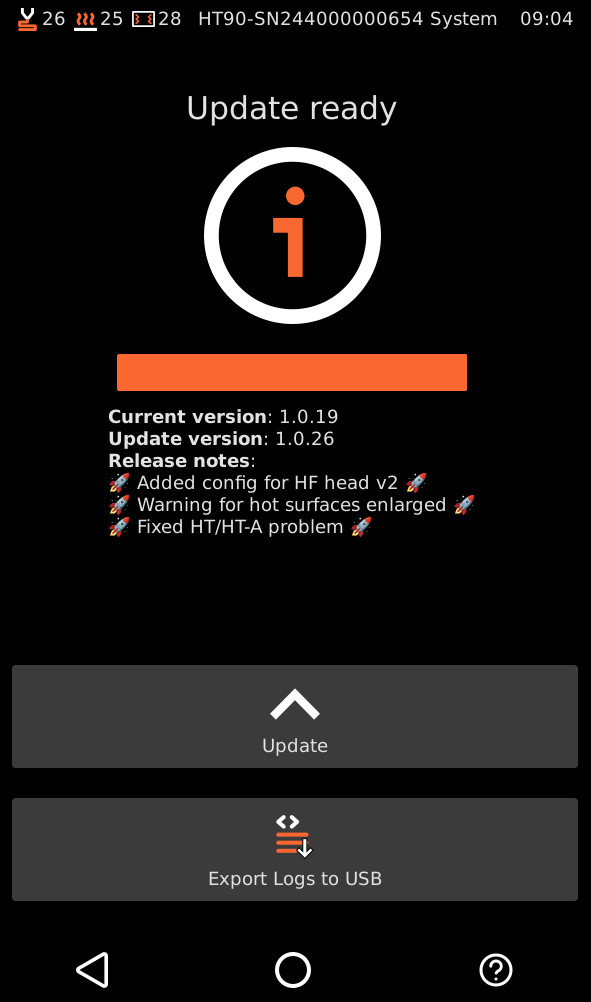
The HT90 can be used fully offline. This includes firmware updating. Download the firmware and add it to the root folder of a USB drive. Plug the USB drive with the FW to the LCD port and the printer will recognize it automatically.
Browser update
In this way, it is also possible to downgrade the firmware. Go to the printer to More -> Settings -> Network, and copy the IPv4 to your browser.
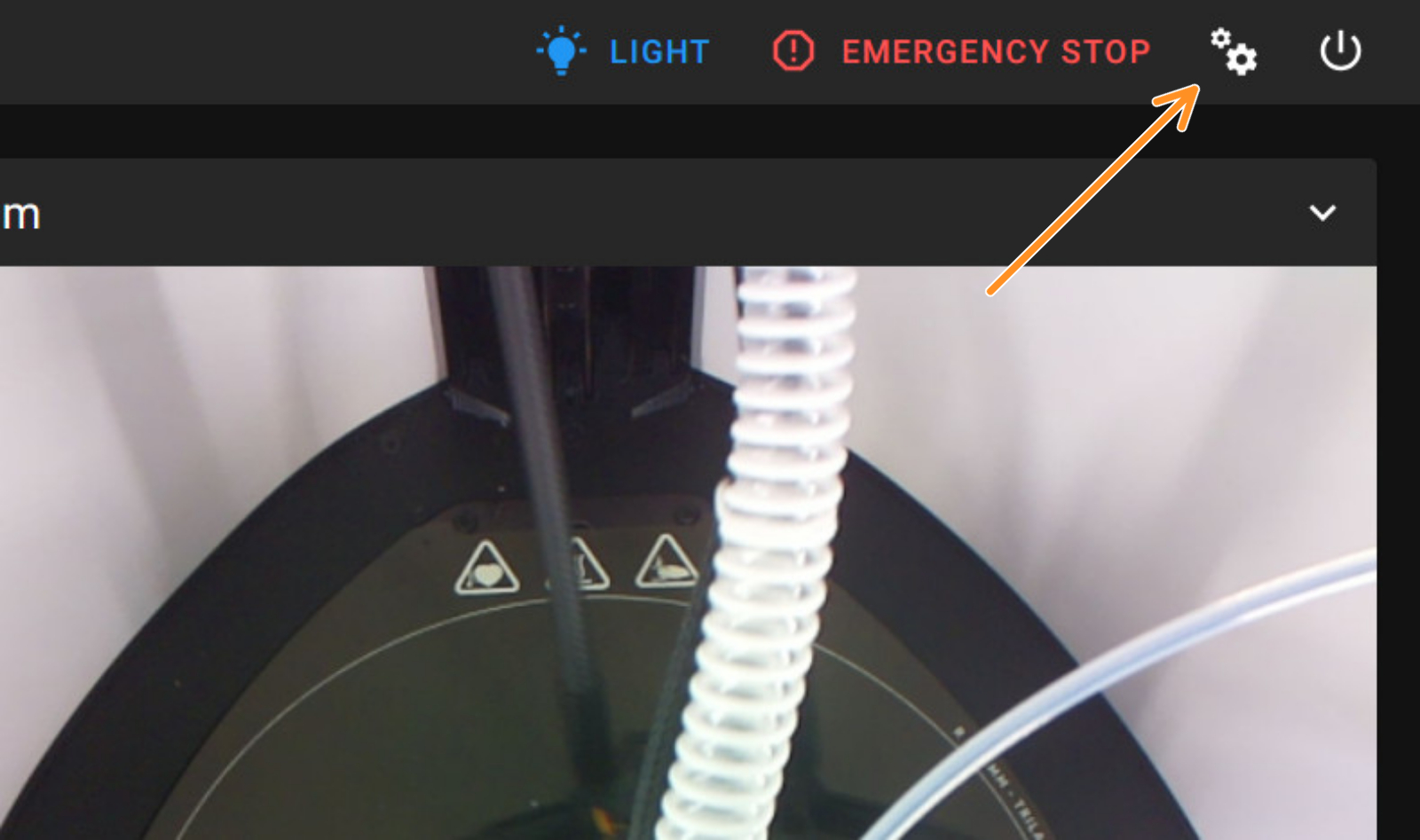
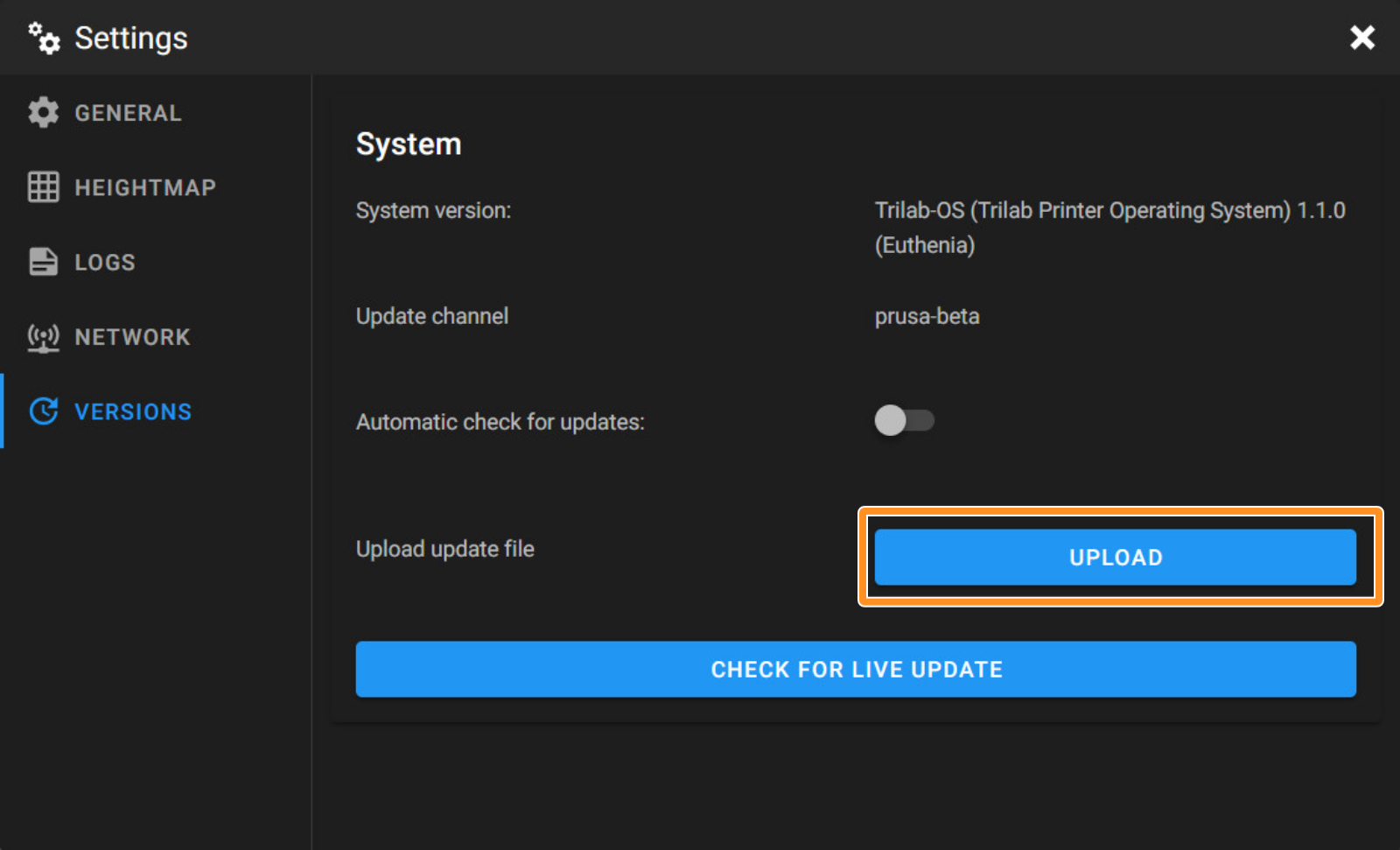
Go to the gears on the top right to open the settings on the web interface. On the new window, go to Versions, and select the Upload button.
 |  |