


What happened?
The printer is showing the message "Check all tools if they are properly parked or picked".
Error name: Toolchanger error
Error code: #36121 (INDX) #17121 (XL)
How to fix it?
XL
Ensure that the Toolchanger carriage is clean and free of debris. Make sure none of the dock pins are bent or otherwise damaged.
If the error occurs mid-print, manually park the tool in use and resume the print.
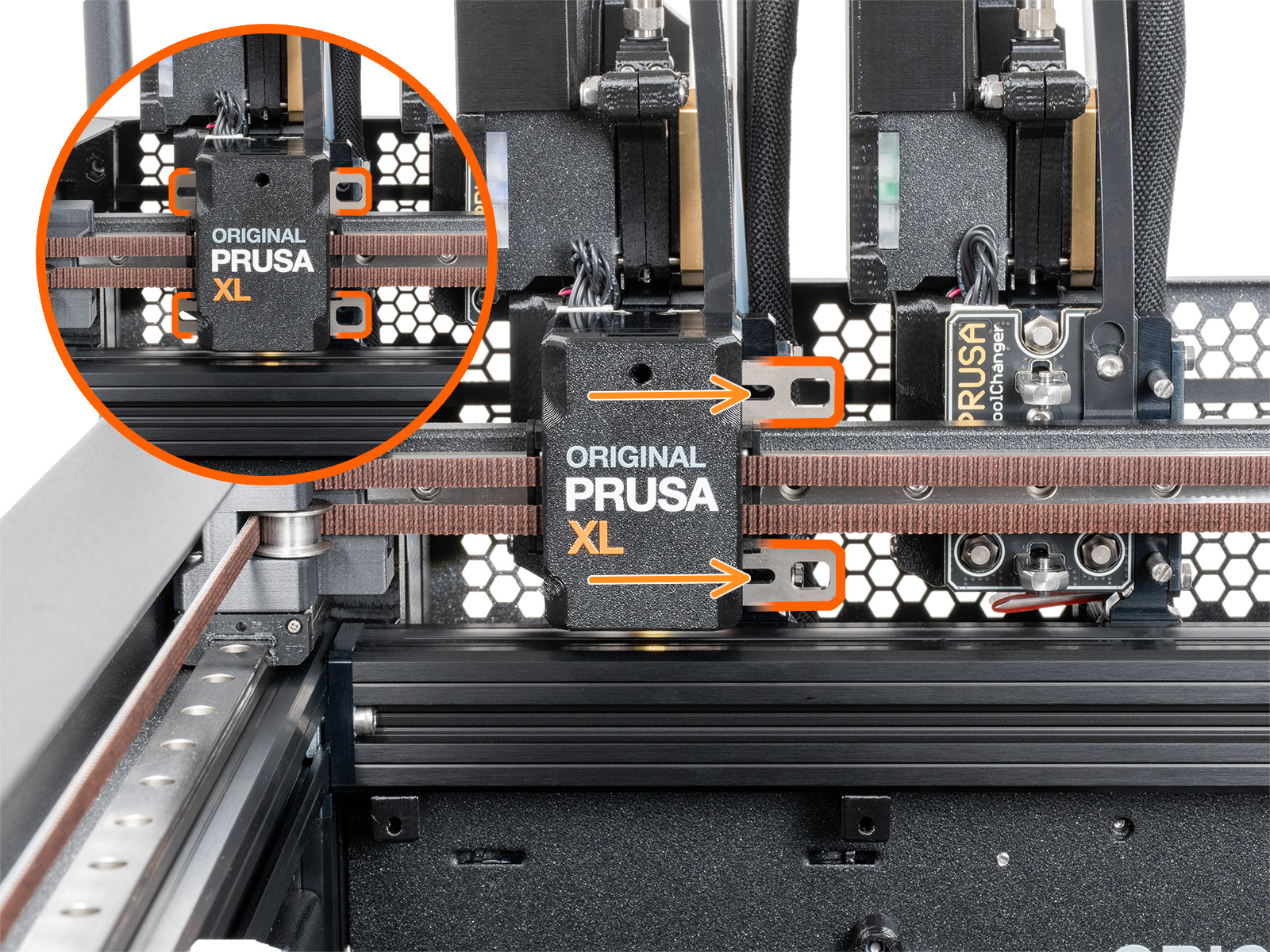
If the error persists, rerun Dock Position Calibration and Tool Offset Calibration.
INDX
Ensure that the docking surfaces on the parts between the nozzle tool and the toolhead are clean. They must be free of stray filament strands, and the alignment contacts must be free of debris.
If the error occurs mid-print, do not power off the printer. Manually place the toolhead back into its designated dock until it physically clicks/locks into place, ensure the carriage is clear, and select Retry/Resume on the screen.
Check the mounting screws on the tool docks. If they have vibrated loose, realign the dock and tighten them securely. If the problem persists, go to the printer menu in Control - Calibrations & tests - Dock Calibration sequence and wait for the calibration to finish.