What happened?
The enclosed printers have chamber temperature measurement.
In certain conditions, the chamber temperature is measured as critical. In this case, the printer stops the print and shows a warning message "Chamber temperature critical. Aborting print to prevent printer damage".
Error name: Chamber critical temp
Error code: #31261 (CORE One) #35261 (CORE One L) #36261 (CORE One INDX) #17261 (XL)
How to fix it?
On Prusa CORE One and CORE One L, cool down the chamber by setting the chamber fans' speed to the maximum, from the printer LCD Menu -> Control -> Temperature -> Chamber Fans.
On the standalone and INDX CORE One, open the top lid ventilation holes by sliding the screws on the vents.
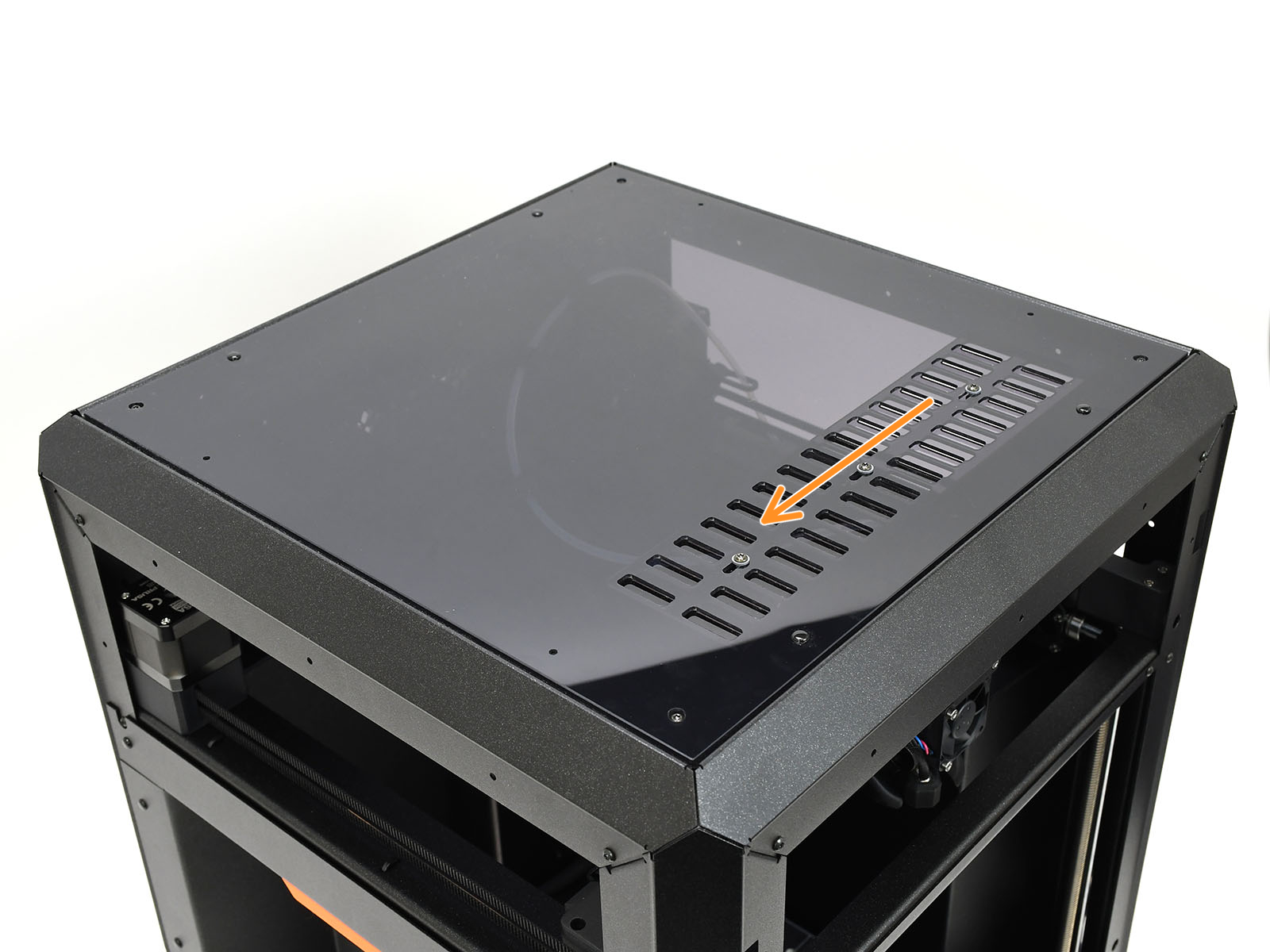 | 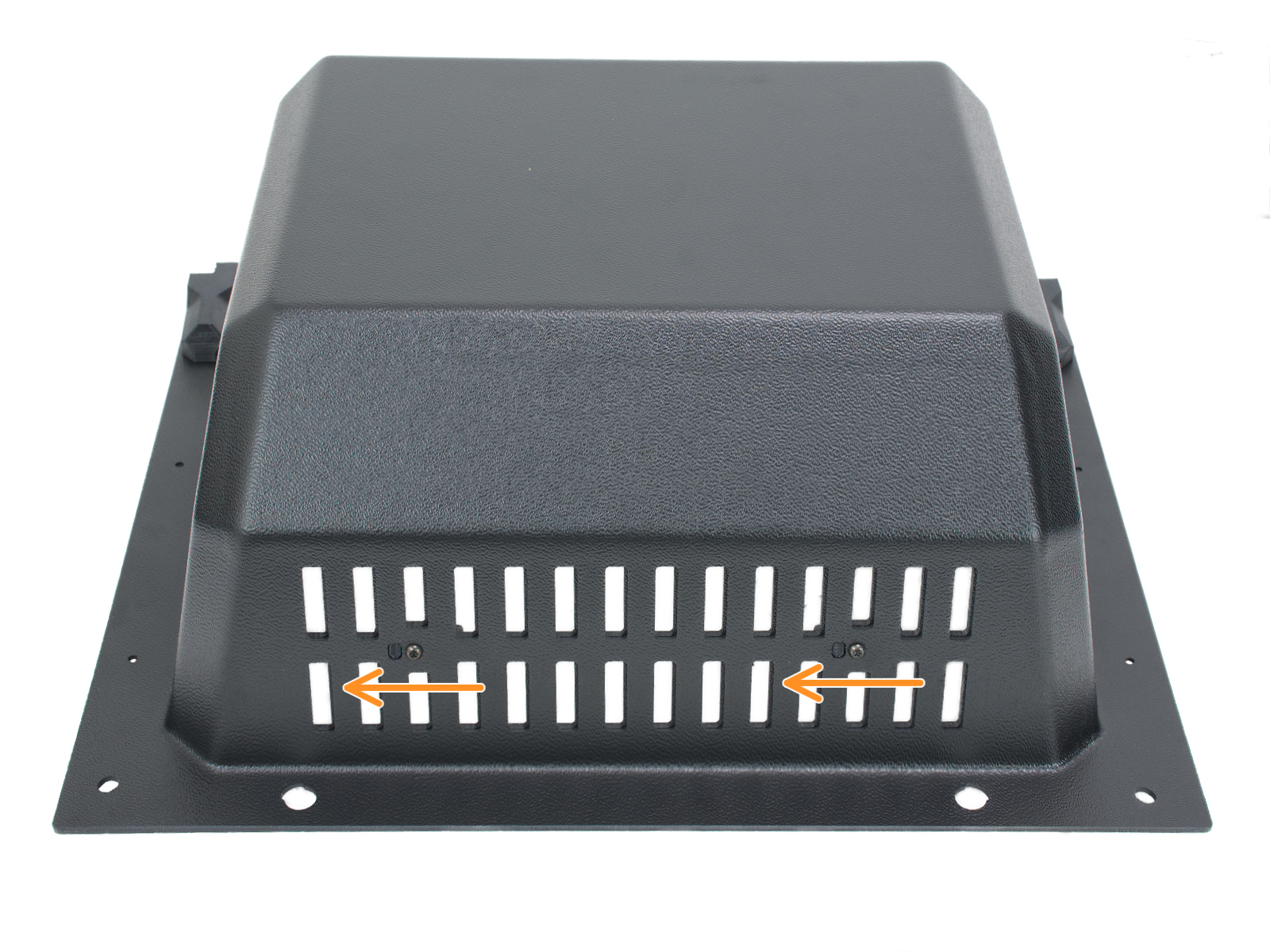 |
| Standalone CORE One | CORE One with INDX |
The CORE One L can open the ventilation holes automatically by pushing the lever on the top of the Nextruder.
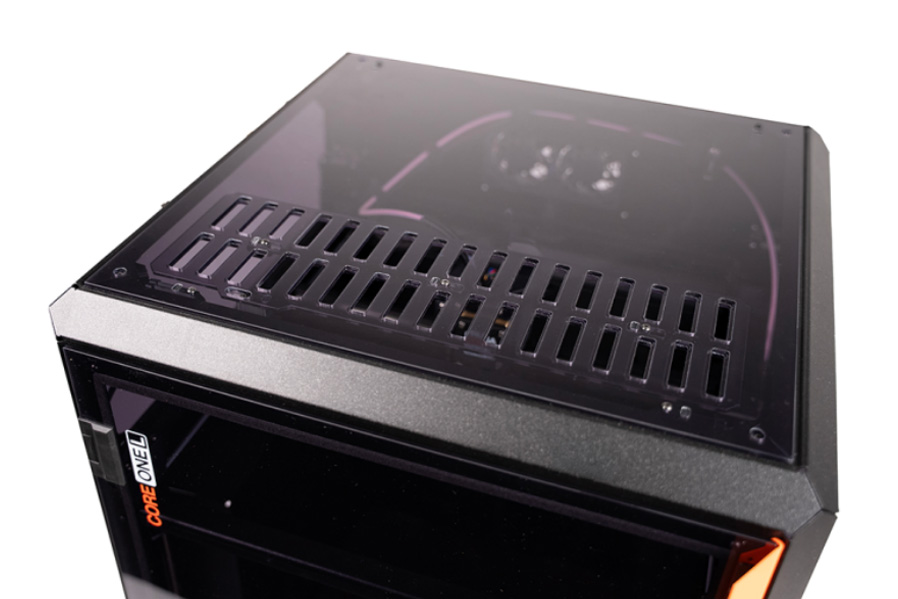 | 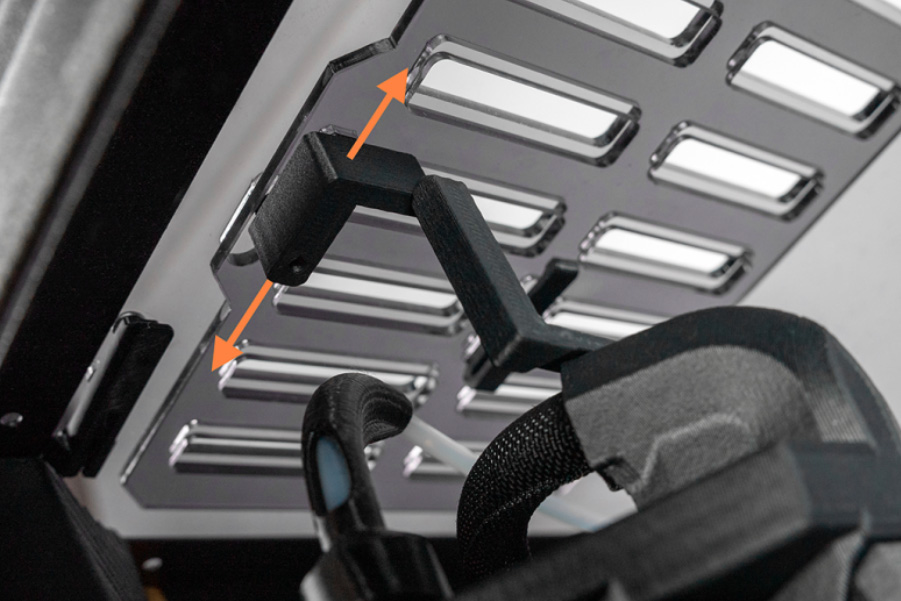 |
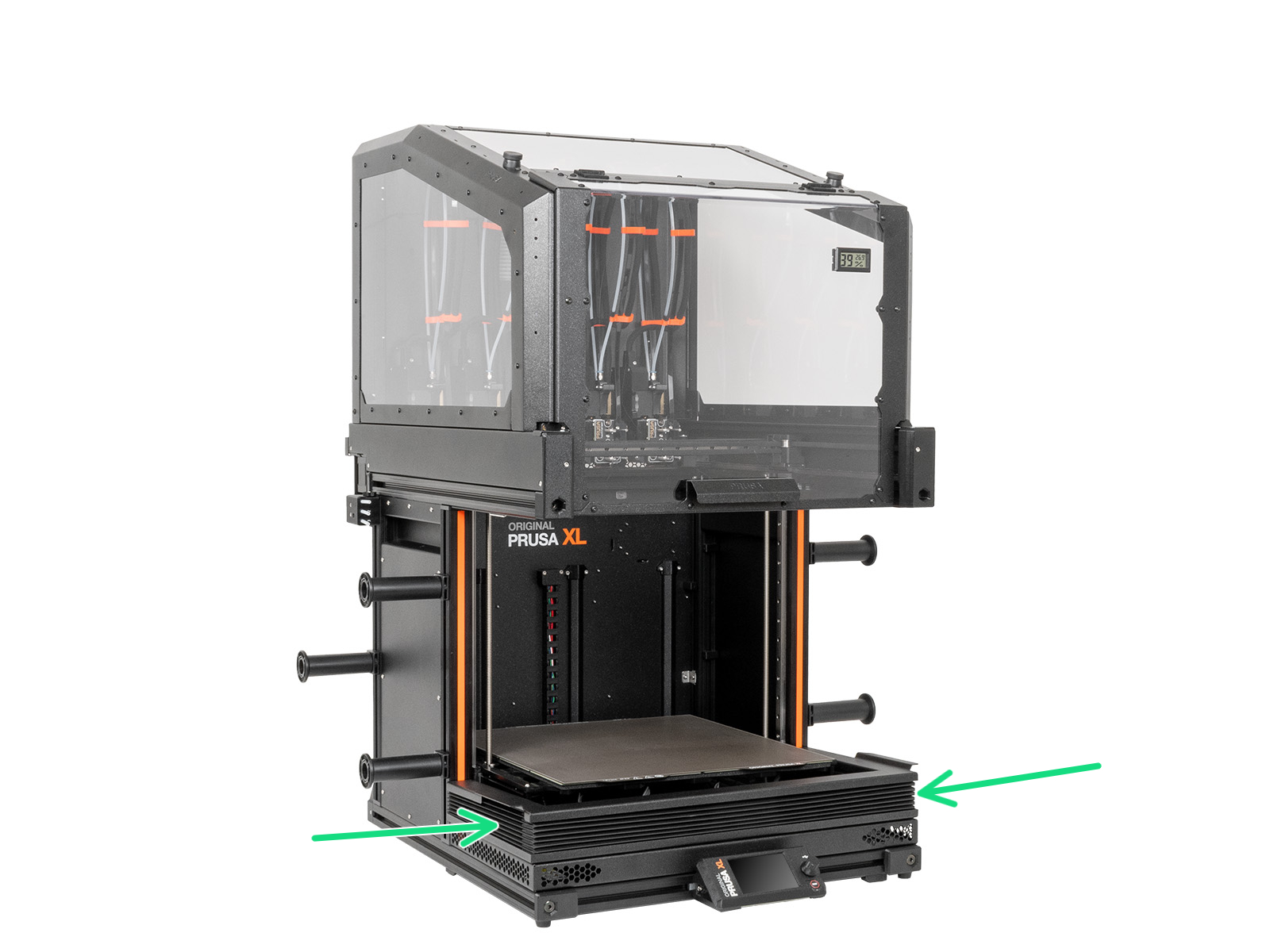
On Original Prusa XL with Enclosure, set the enclosure fan speed to the maximum, from the printer LCD Menu -> Control -> Enclosure settings -> Manual settings -> Fan rotation.
At the same time, slide down the bellows.