


What happened?
The printer shows the message "Extruder motor is not spinning on tool #". In place of #, the number of the Dwarf board is shown.
This problem occurs due to increased resistance between the Dwarf and the cable connector, caused by the cable and connector being held too firmly in position.
Error name: Extruder error
Error code: #17536
How to fix it?
Update firmware
Make sure that you have firmware 6.2.0 or newer.
Remove the 'dwarf-cover-connector'
Remove the dwarf-cover connector, as it might hold the cable and connector too firmly. Fully loosen the bolt holding the part and remove the bolt. Repeat the print without the cover. If the issue is solved, replace the cover: How to replace the main cable connector cover (XL).
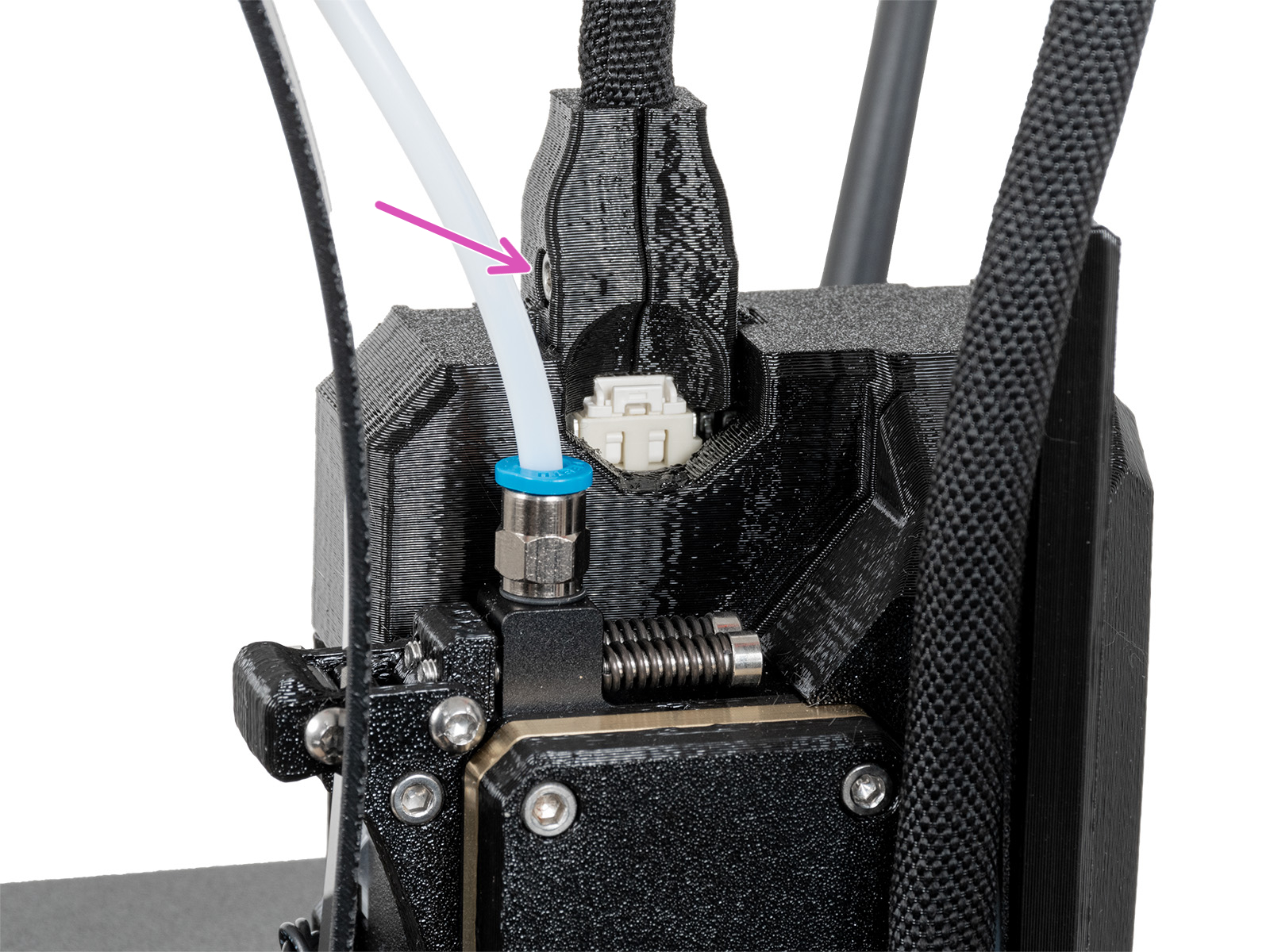 | 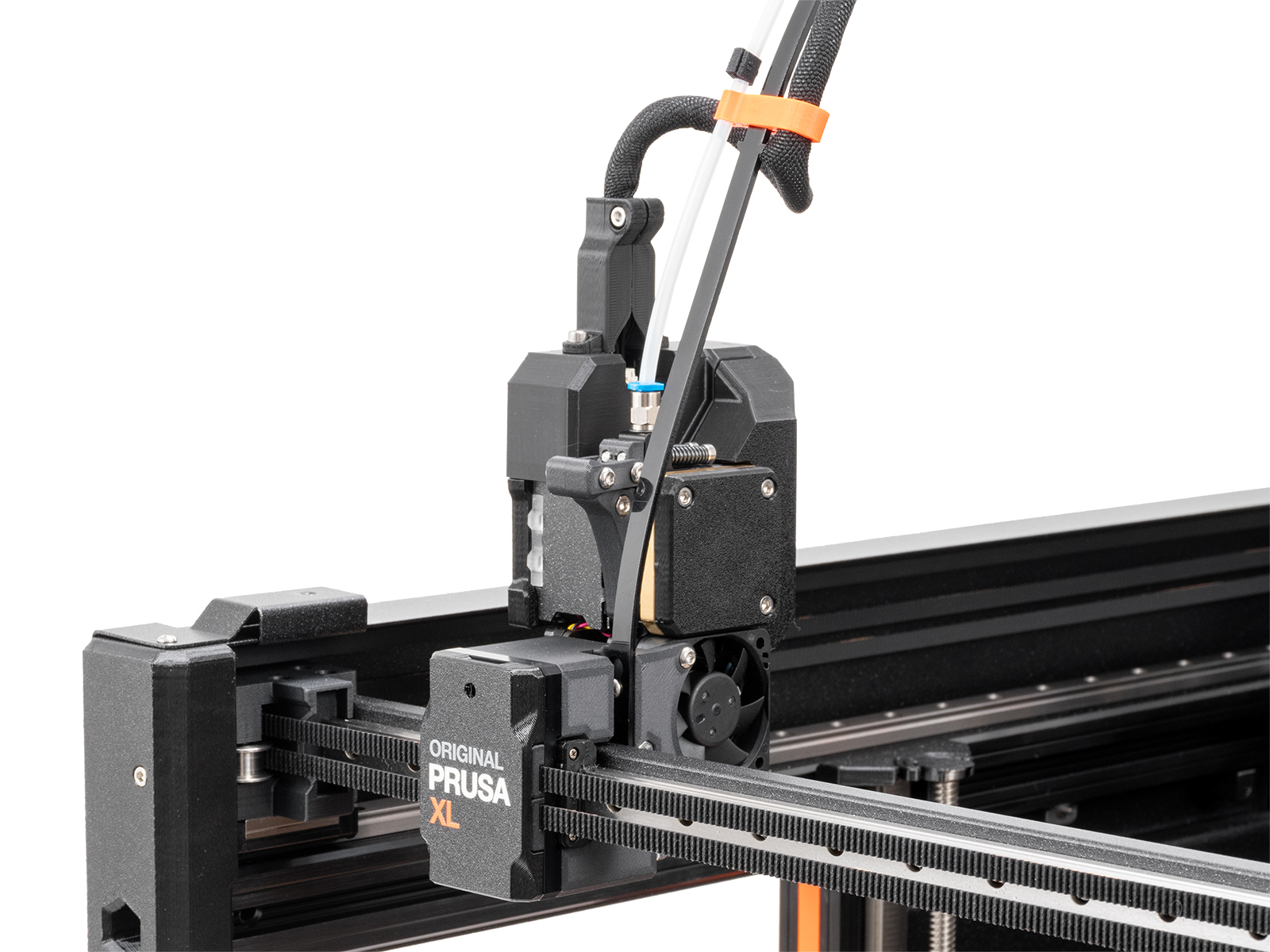 |
| Old main cable cover | New main cable cover |
If the issue is not solved, contact our customer support.
Was this article helpful?
This action is available only to registered users. Please log-in.
72 comments
What fixed the error for me was fairly simple and i found it on the YT channel "Ro3Deee". He shut down the printer, disconnected the cable from the printhead, sprayed some pure alcohol or isoprop in the connector, cleaned the contact pins with a little brush and let it all dry. After reconnecting the printhead and retrying everything works fine and it also did for me.
My printhead always jammed after 2 to 5 minutes of printing with the error and now he's able to print nonstop hours again.
Hope that helps someone out there, before investing in replacement parts :)
THANK YOU THANK YOU for posting I was losing my GD mind!!!!
Thank you
I spent over a year with this issue - bleeding, sweating, crying, punching the machine literally as hard as I can repeatedly (without breaking it apparently) and almost throwing it out the window.
I did this and it’s been going 200 hours nonstop.
Thank you very much. It helps. I did replace cable cover , it doesn't help . After I red your comment i spraued connector on both sides with "Contact cleaner" and it helps a lot. Already printed like 30 hours without problem.
https://forum.prusa3d.com/forum/postid/795019/