English
Login

Filament sensor didn't trigger

#04103 (MMU)

Relevant for

MMU2S
MMU3
Article is also available in following languages
English
Čeština
Polski
Deutsch
Français
Español
Italiano
日本語

What happened?

If, during the filament load-to-nozzle process, the extruder's filament sensor is not triggered, the printer will display an error.

How to fix it?

Assembly

  • Remake the filament sensor calibration.
  • Make sure that the PTFE tube is fully pushed into the Festo fitting on the extruder and the MMU unit, and that the fitting is fully tightened, with no gap.
  • If you use an alternative MMU-to-Extruder PTFE tube, make sure it is not excessively long. The original tube is 360mm long. The MMU can adapt to tubes between 350 mm to 380 mm.
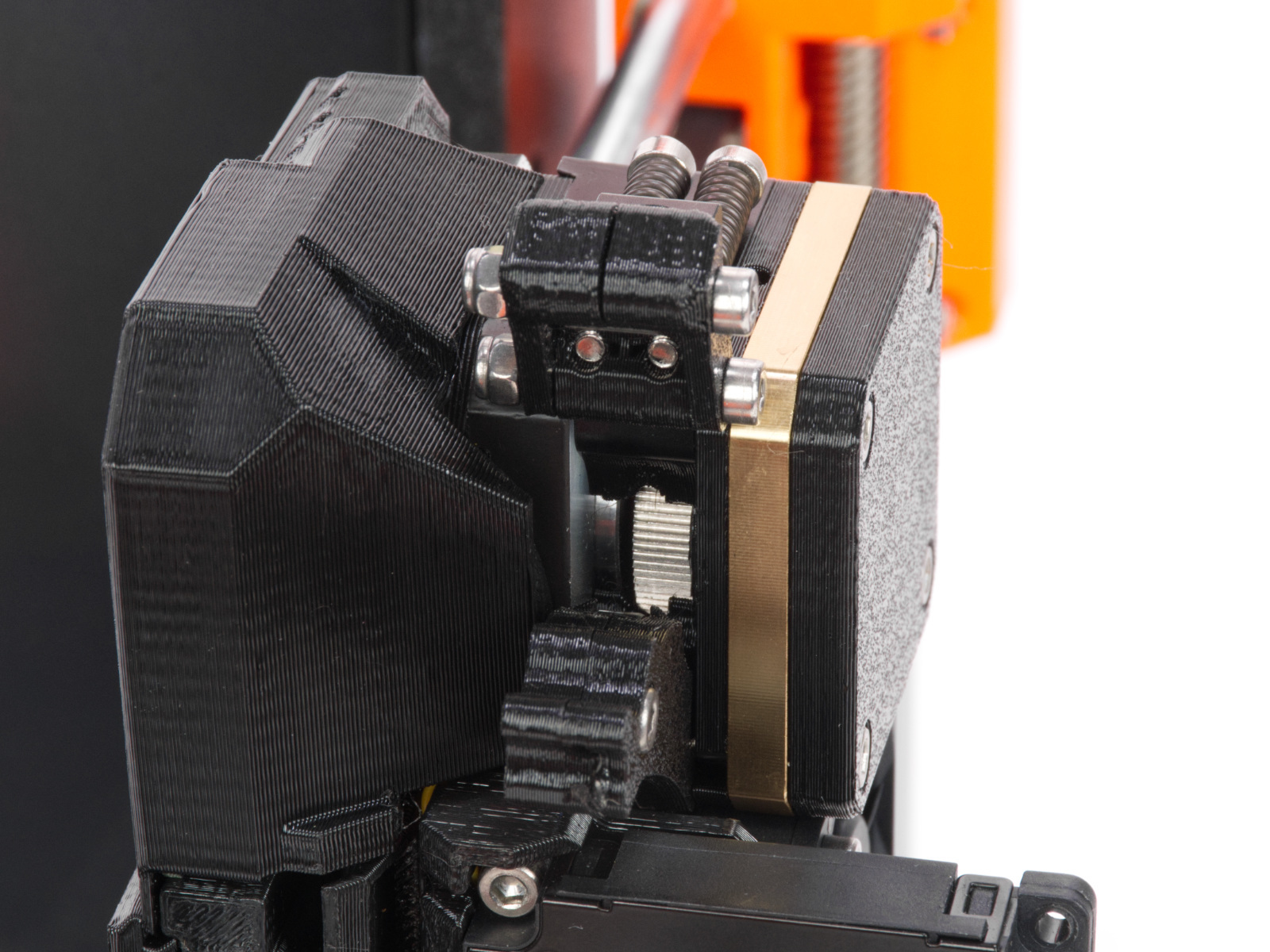
  • Open the extruder idler and make sure there is no leftover filament blocking the new filament from loading.
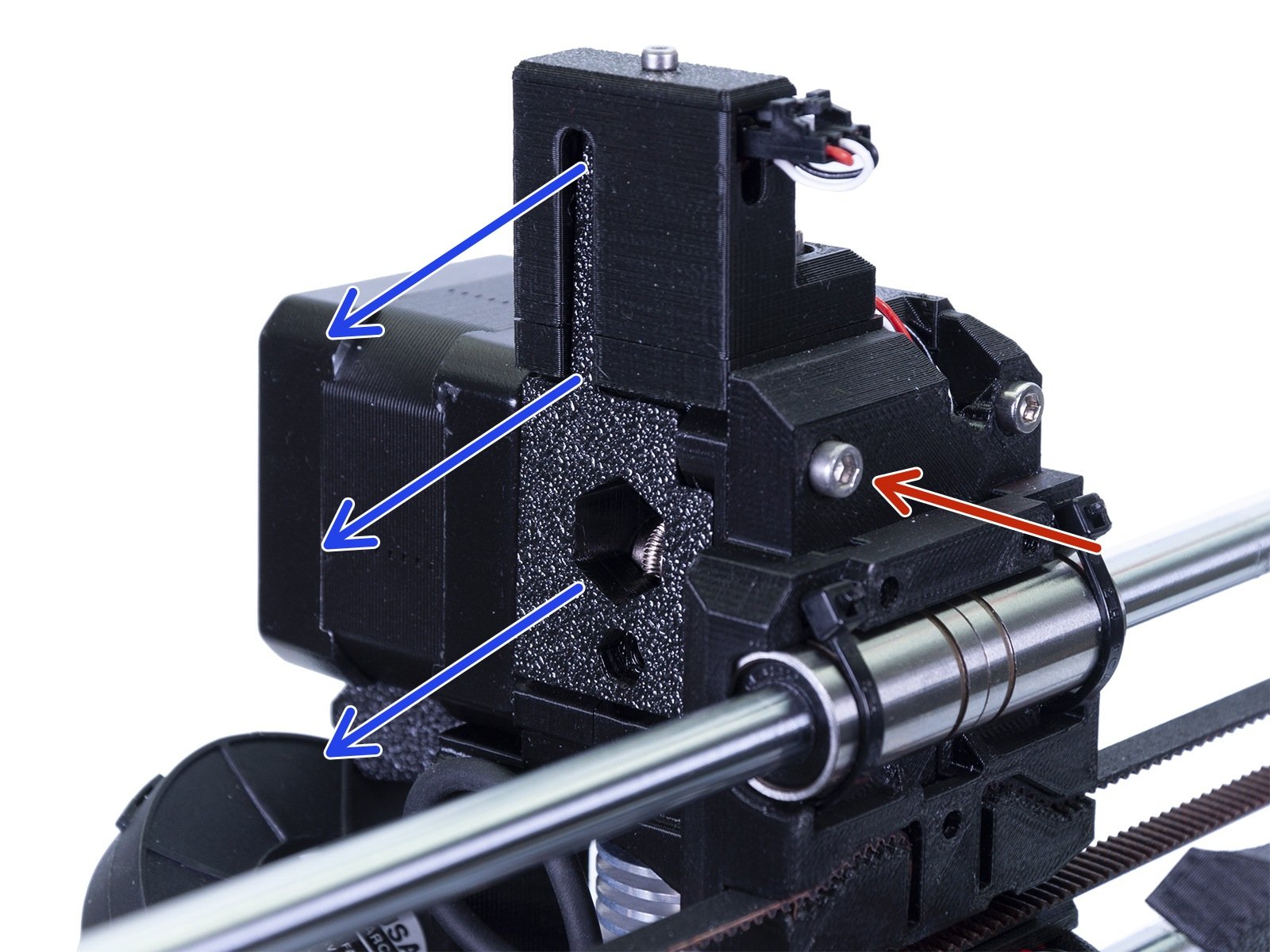
MK3/S/+, MK3.5/SMK4/S, MK3.9/S, CORE One

Filament

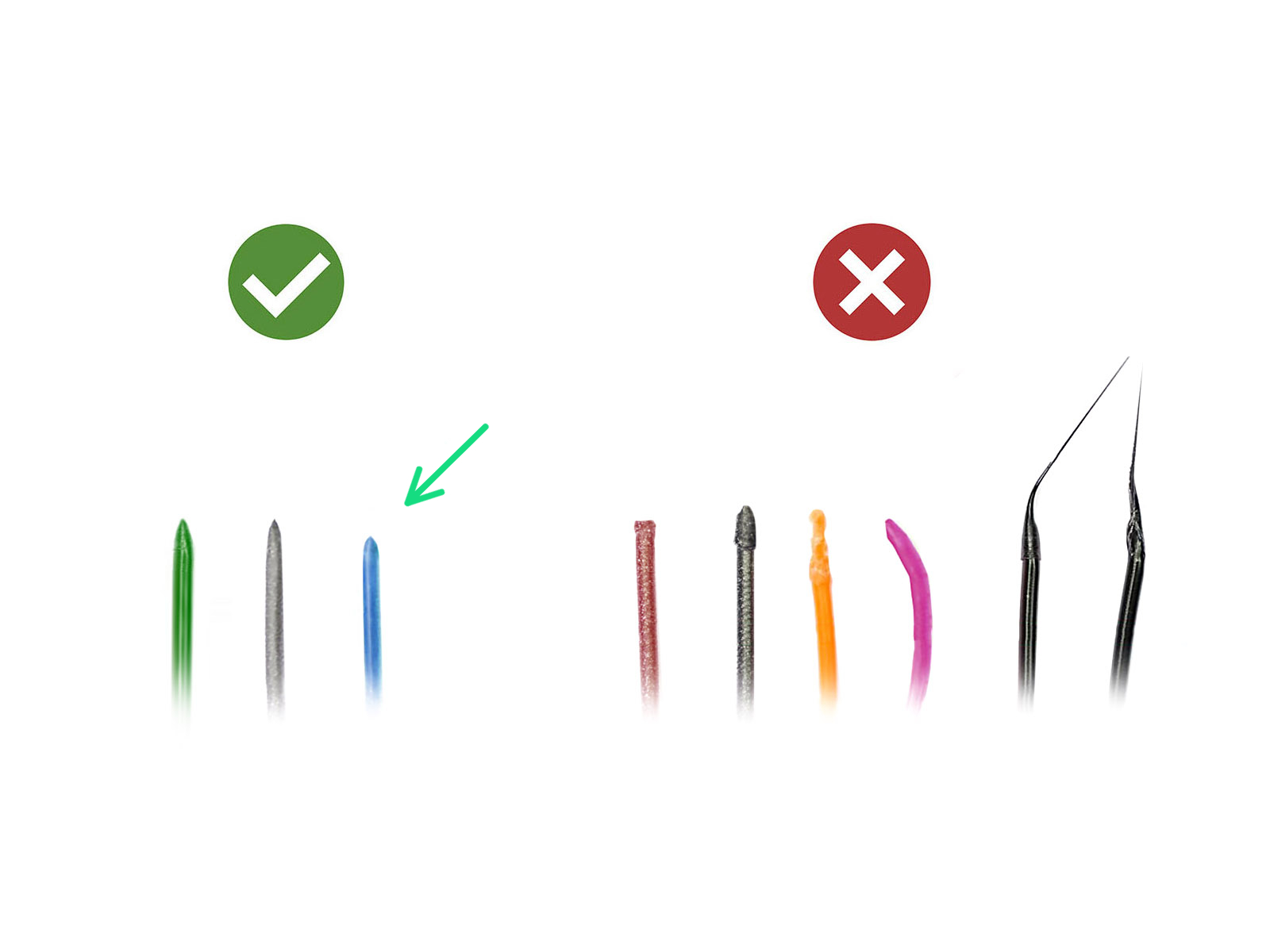
  • The filaments must have a sharp tip to load properly into the printer. If the tip is deformed, bent, or larger in diameter, cut it off.
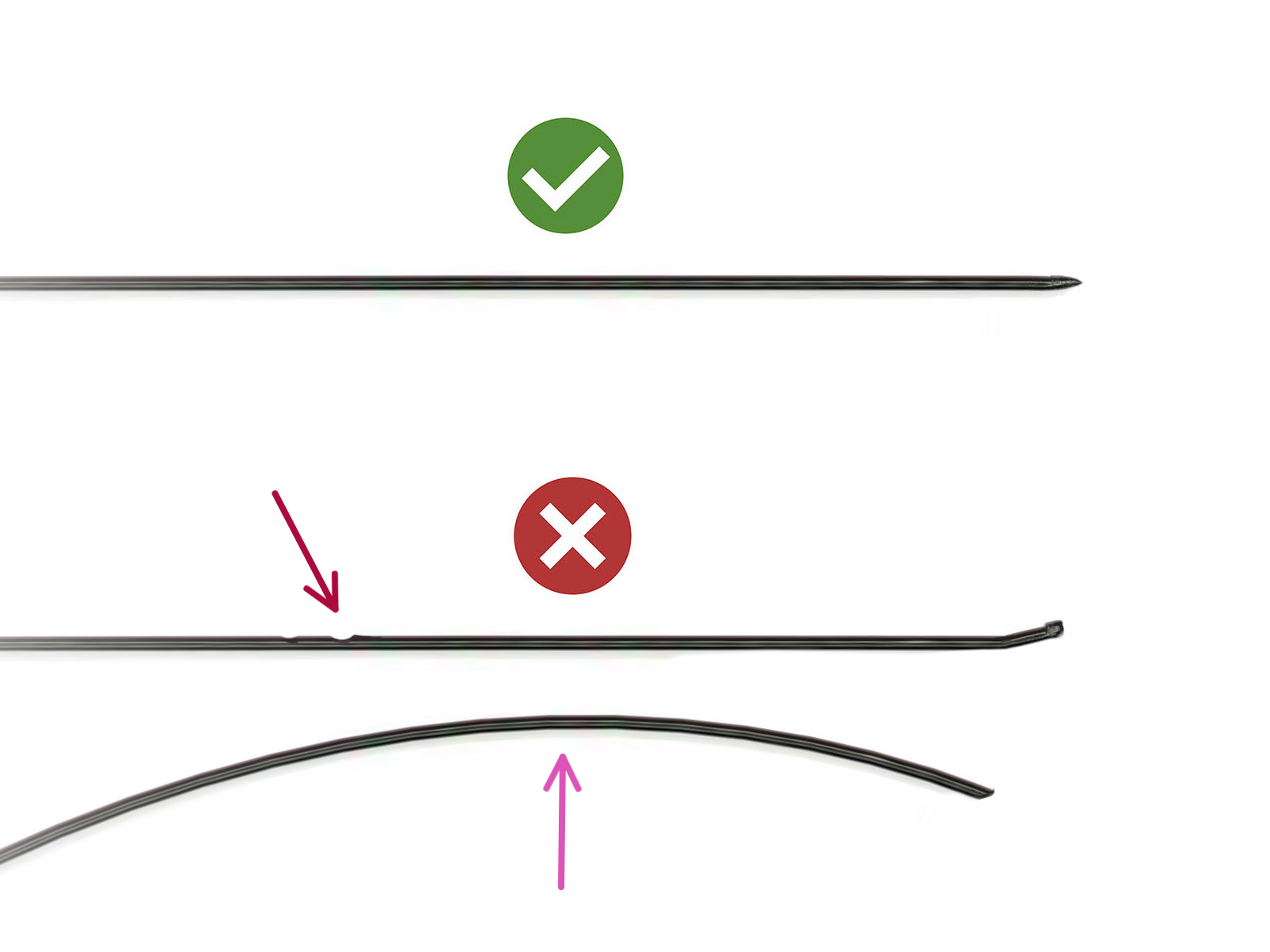
  • Inspect the last 40cm (15") of each filament to make sure there are no dents.
  • If the filament is still not being pulled, check the assembly.
 

Was this article helpful?
This action is available only to registered users. Please log-in.
 

5 comments

Log in  to post a comment
Davet01
In my case, I got this error while trying out a new filament path. During load to extruder, as the filament was getting yoinked, the spool edge got wedged, creating a temporary but hard resistance on the filament causing the MMU to eat a divot into the filament. Fix was just to fix the resistance issue with the spool feed.
poelstra
For me the issue was simply that the two MMU3 cover screws apparently loosened up (they fully unscrewed themselves).

Just tightened them back to the indicated recess.
Ball
I at first thought my sensor was the problem but i realised filament wasn't even pushing fully through the tube. After opening the 2 mmu3 screws i could see that my filament was shredded up. It seems fixed after re aligning the 5 push gear things and keeping the 2 main screws with springs looser. A Spool snag maybe could cause this too? But yeah, look under your filament to check if its rounded/grinded up
Navara
Needs to be updated for MMU3/MK4. Sensor calibration leads to documentation to a product officially declared obsolete (MK3S), not providing answers for MK4.
Also doesn't cover scenarios when slots 1-3 load fine (so the sensor is fine), but 4-5 fail to load (when filament tips are fine as the first three).
noelthe3rd
Same exact problem. 1-3 works, 4 intermittently works, and 5 not much. I upgraded an mmu3 from an mk3s+ to an mk4 and had mixed success. Works pretty well with two colors, 3 only works some of the time and never 4 or more.
rojoPrint
In case other people run into the same issue...I started getting this error and the issue ended up being that my extruder Bontech gear had come loose and was no longer feeding the filament into the extruder. I opened the extruder idler to look inside and the Bontech gear was completely loose from the stepper motor.