


What happened?
When loading the filament from the MMU to the extruder, the printer uses the extruder filament sensor to detect when the filament arrives in the extruder. Since the PTFE tube that leads the filament has a specific size, the filament is expected to trigger the extruder filament sensor in a certain window of time.
If during the loading, the extruder filament sensor reads the filament too soon, the printer will show the error "Filament sensor triggered too early while loading to extruder. Check there isn't anything stuck in PTFE tube. Check that sensor reads properly." This error is meant to prevent any filament stuck in the PTFE tube or extruder from being pushed into the nozzle.
How to fix it?
PTFE tube length
Check the length of the PTE tube between the MMU unit and the extruder based on your printer.
| Printer | PTFE length (mm) |
|---|---|
| MK3/S/+, MK3.5/S | 360 |
| MK3.9/S, MK4/S | 360 |
| CORE One with MMU Lite | 450 |
| CORE One with MMU enclosed | 390 |
MK3.9/S, MK4/S, CORE One extruder
Remove the fitting from the top of the extruder. Check for any debris on the top of the extruder, the hinges on the Nextruder idler, the hinges on the idler swivel, the gears, and the space right before the nozzle tube.
Check also the gap in the heatsink that holds the idler nut.
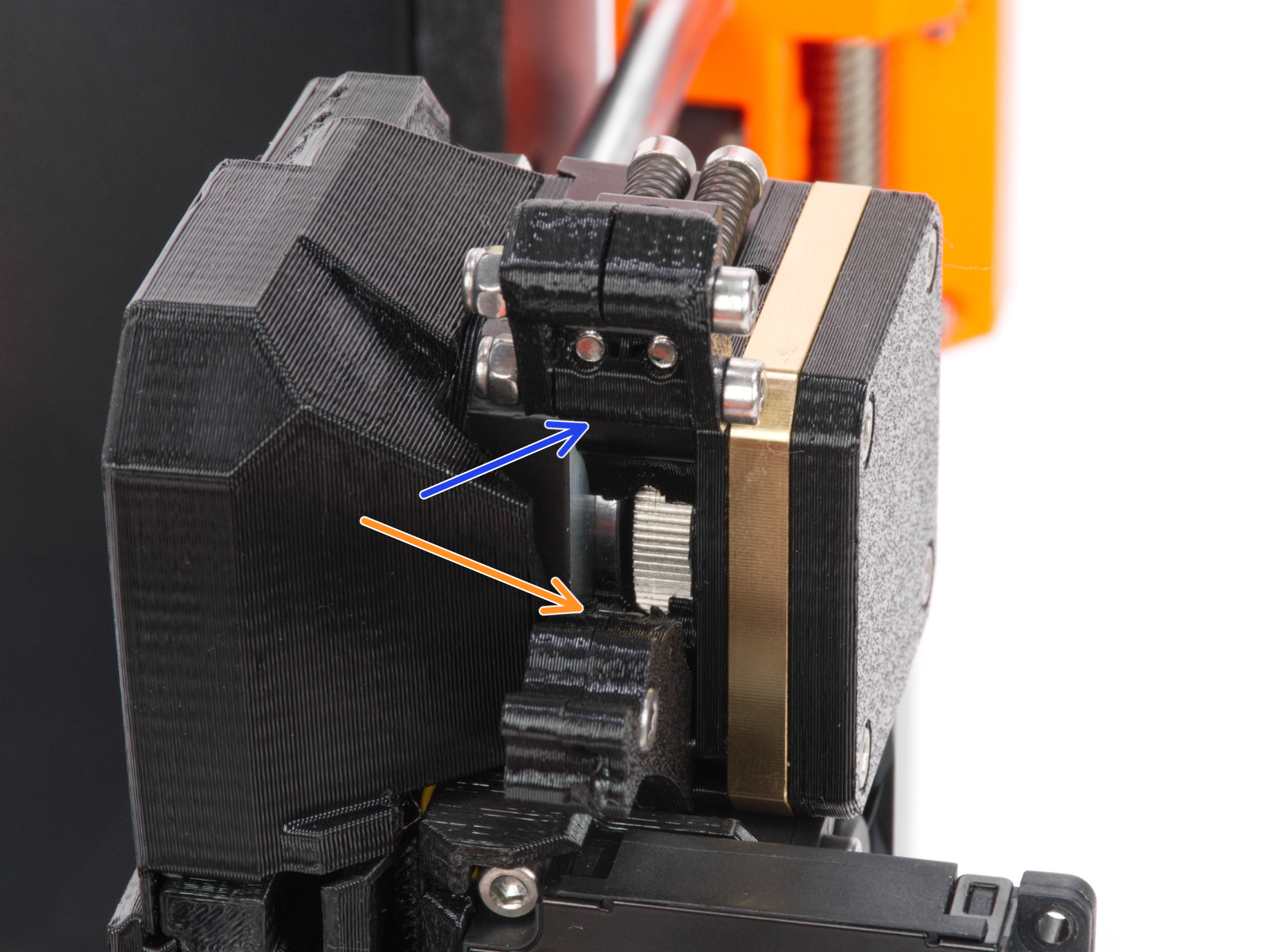 | 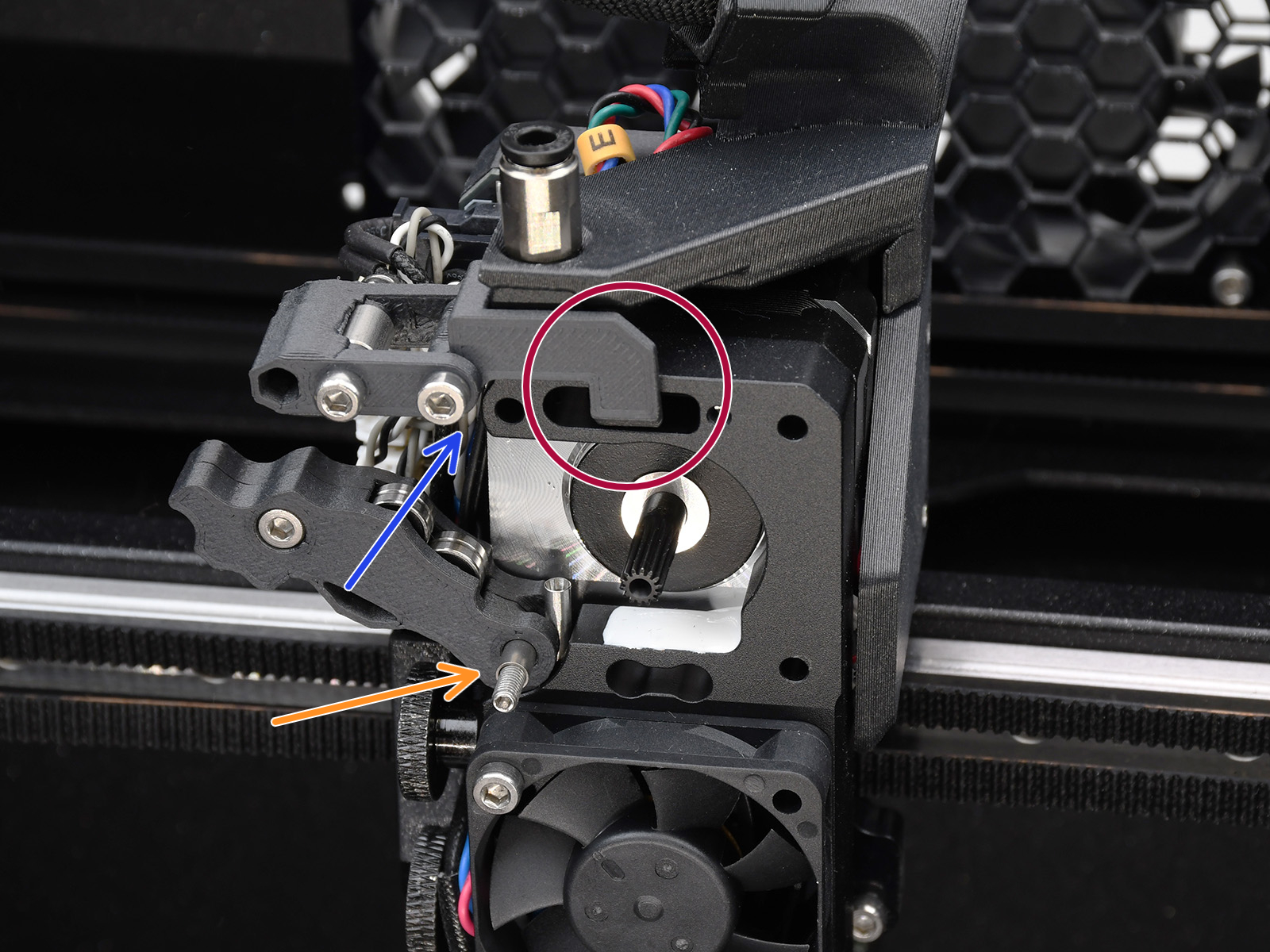 |
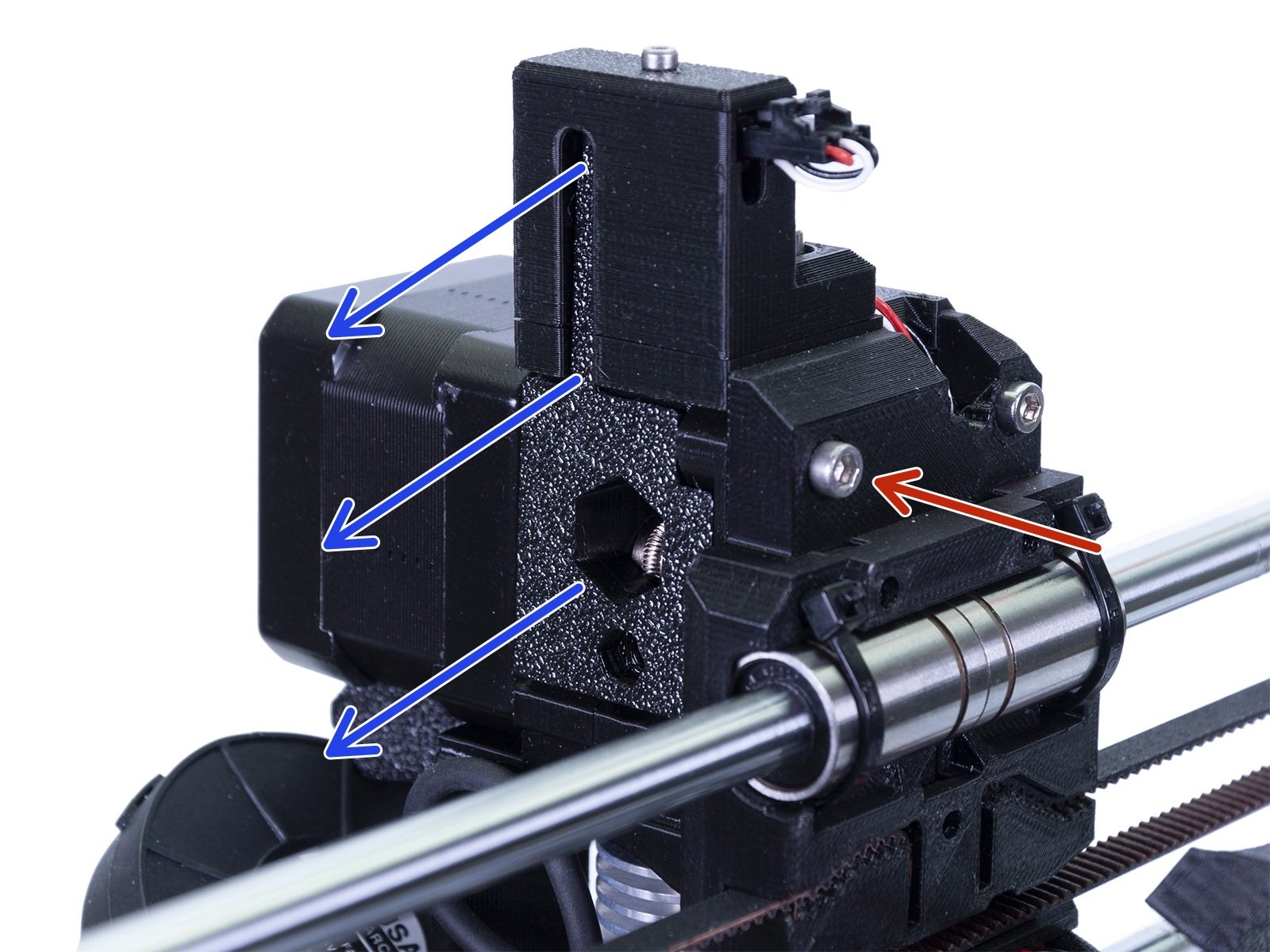
MK3/S/+, MK3.5/S extruder
Remake the IR filament sensor calibration (MMU3, MMU2S).
Open the extruder idler and make sure that there is no leftover filament in the extruder.
Custom setup
If you have a modified extruder or some custom printer setup, the sensor might be set incorrectly. In this case, make sure to test the filament sensor function before using the MMU.
3 comments
https://help.prusa3d.com/es/article/atencion-al-cliente_2287
Un saludo,
I really wish the firmware was updated so the side sensor does not matter when using the MMU...