


What happened?
While loading into the extruder, the printer performs an automatic loading check as soon as the filament sensor detects a filament. If the check fails, this error is shown. Each failed load might be accompanied by the printer beeping.
The printer’s automatic loading check loads approximately 40mm of filament and then unloads 30mm of it. If the filament sensor stops detecting a filament at any time during the process, the error is shown. This process is very sensitive, so a precise Filament sensor calibration is needed to prevent print defects.
MK3/S/+
While your MK3S+ is performing the loading check, solid blocks should be generated on the bottom of the LCD, representing the IR filament sensor detecting a filament during the process.
If there is a line instead of any blocks (drop in the sensor’s reading), this means that the sensor stopped detecting filament at that moment, resulting in a failed loading check. The printer then retries the load. If the cut function is enabled, the MMU tries to cut a filament tip. If the drop while loading persists even during the retries, the printer unloads the filament and shows the error.
- Redo the IR filament sensor calibration (MMU3, MMU2S).
- While the printer is Idle, you can use the Loading test in LCD menu -> Settings -> Loading Test to verify that the filament can load properly.
- Inspect the extruder to rule out a hardware fault, such as misaligned Bondtech gears or Extruder Idler shaft not inserted correctly.
- If the issue persists over multiple unloads, check the extruder for clogging.
MK4/S, MK3.9/S, CORE One
- Make sure that the extruder has been modified to the MMU version.
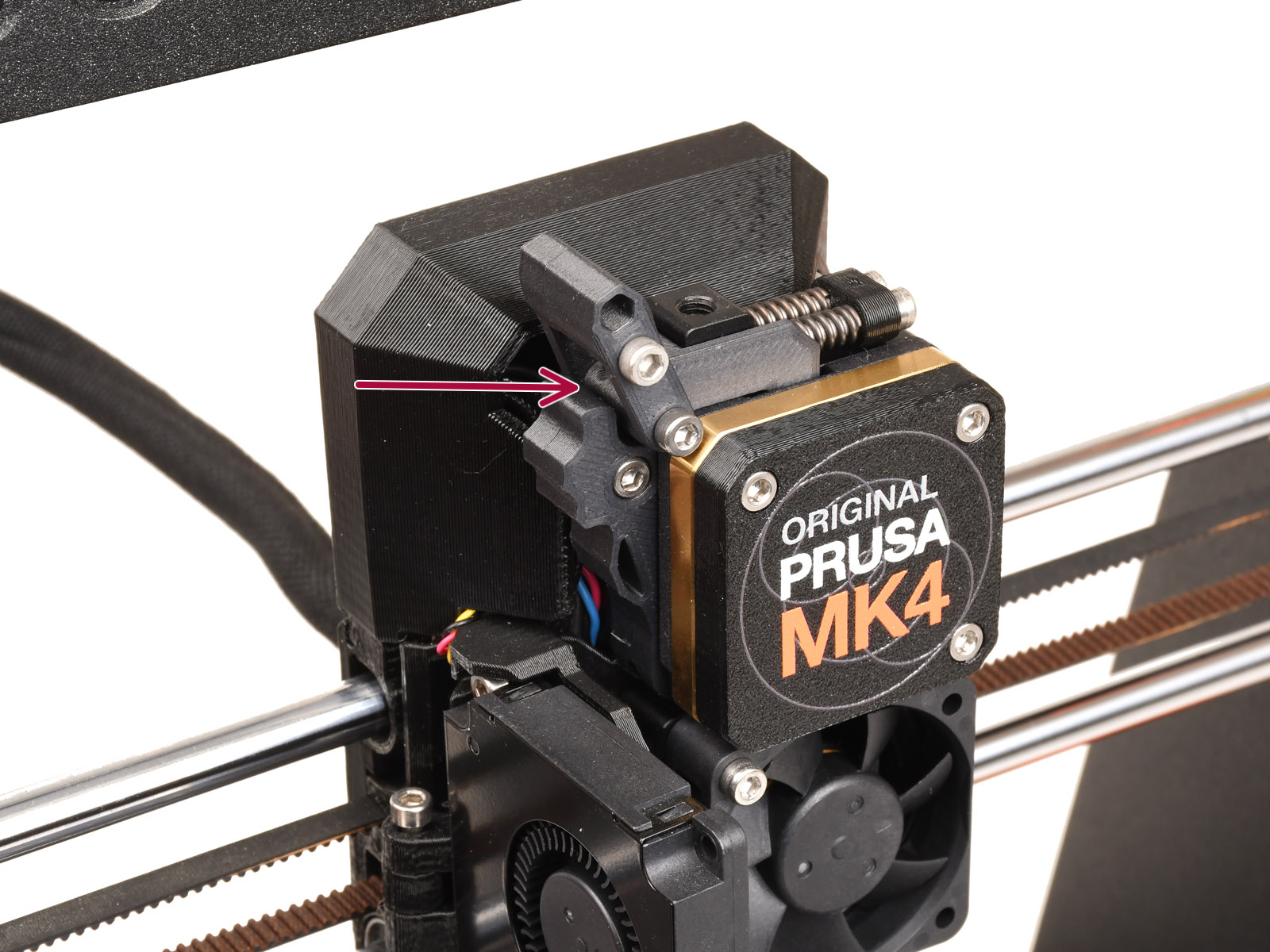
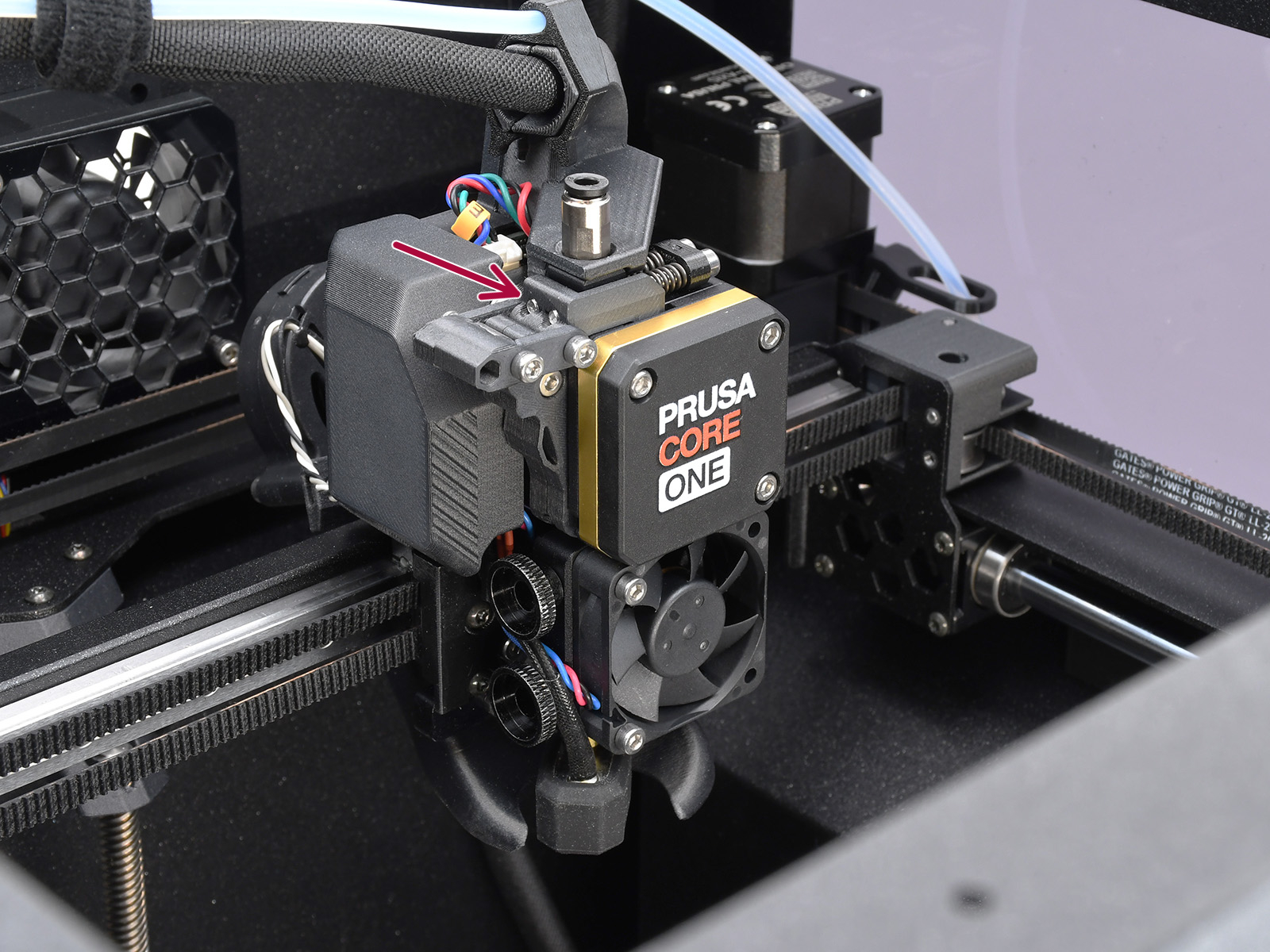
- With the printer idle, go into the menu in Filament -> Load to Nozzle, and load each of the filaments to the nozzle to see if they can be properly loaded.
- Go to the printer menu to Control -> Calibrations & Tests, and repeat the Gears Calibration and the Filament Sensor Calibration.
- On the CORE One, go into the printer menu in Settings -> Hardware -> MMU, and set the PTFE length.
Other
- Inspect the filament spool and the buffer for excessive friction or filament jam. Make sure the filament is able to move freely.
- Use only high-quality filaments. Certain poor-quality filaments or very specific types of material might not work correctly with the MMU.
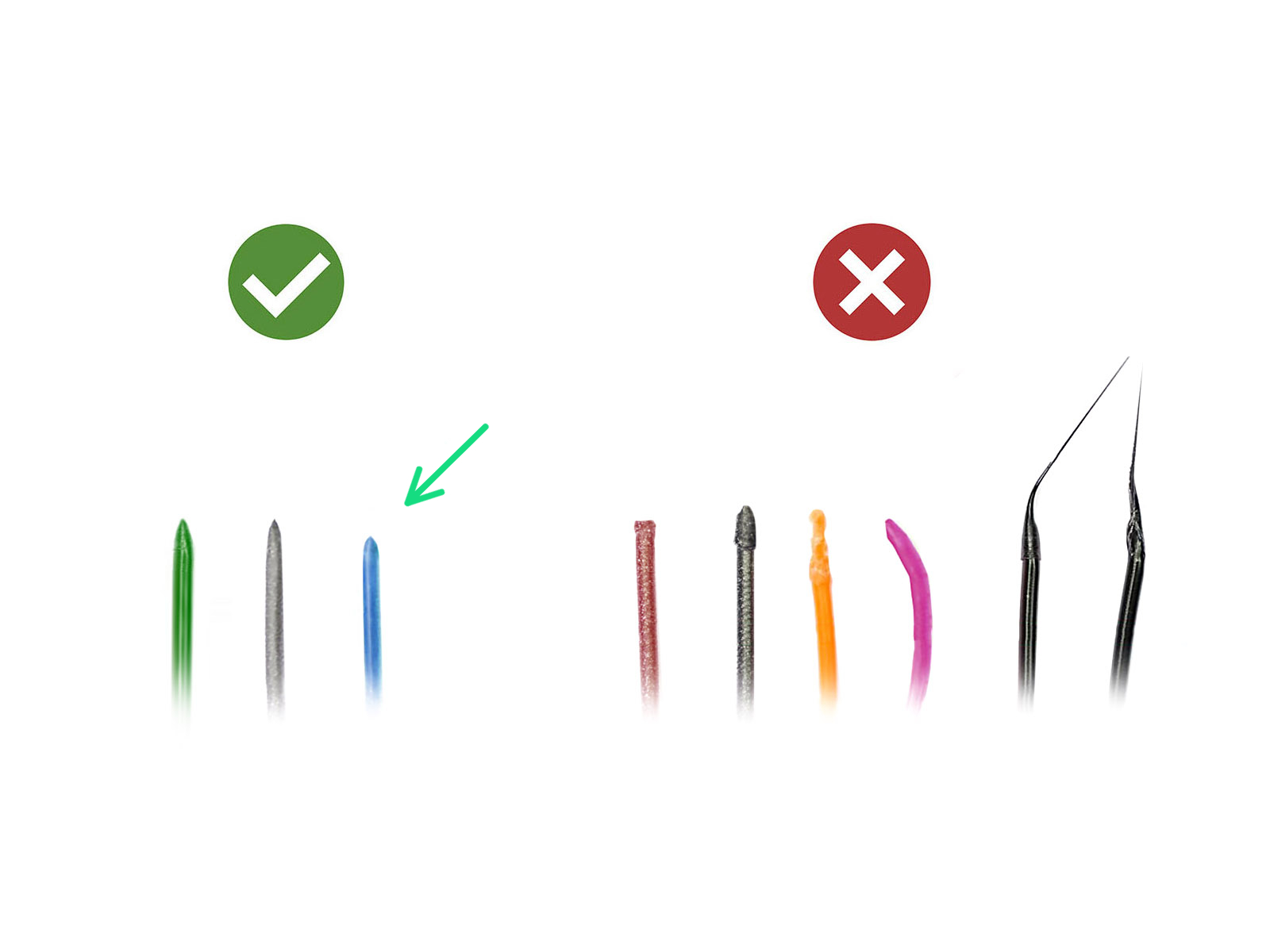
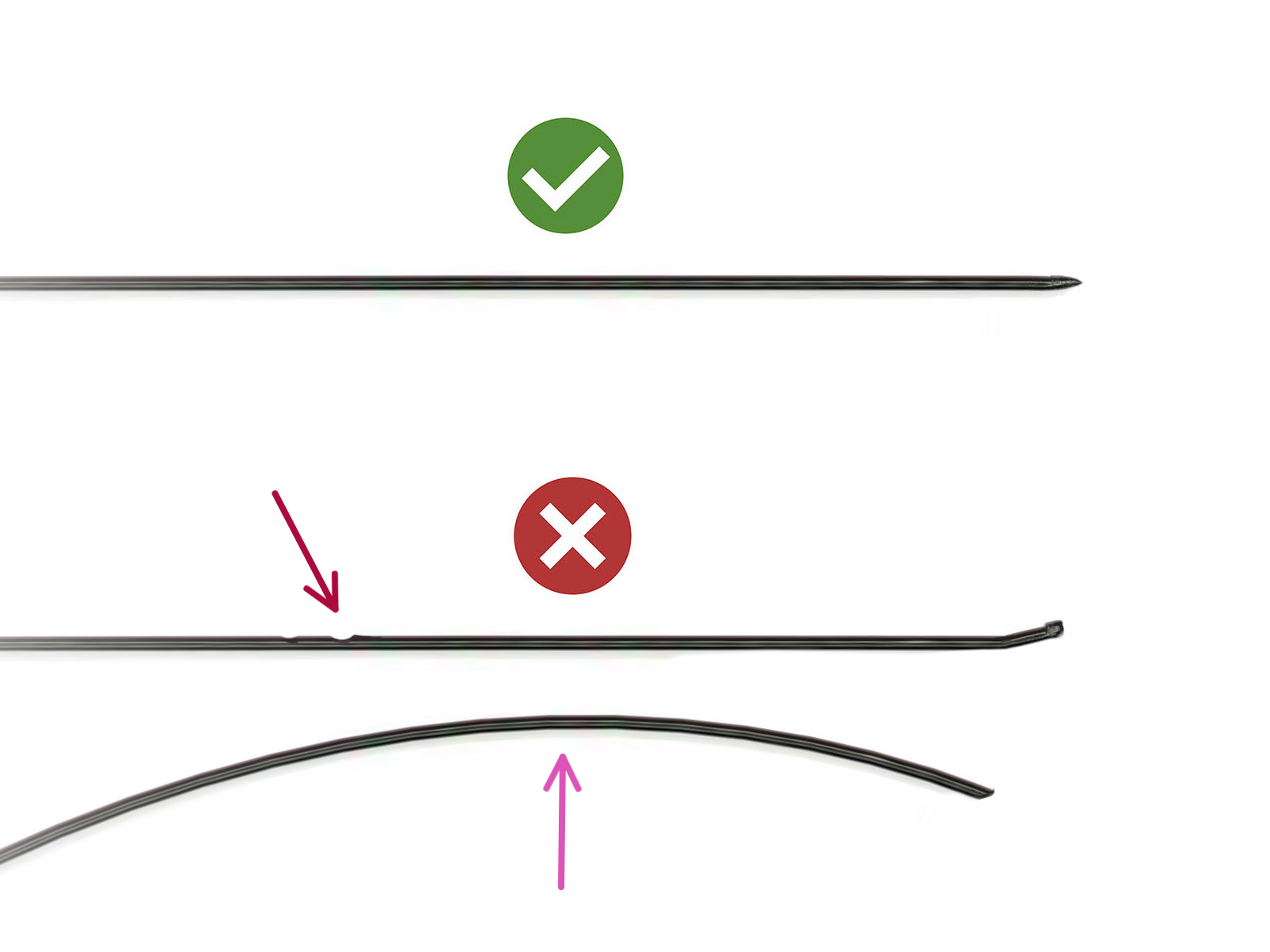
- Undo the PTFE tube from the FESTO fitting and pull the filament out by hand to inspect it. The last 40cm (15") of each should have no dents in it, or the gears won't be able to grab the filament. Cut off part of the filament with defects such as indentation or a deformed tip. Make sure the filament end is straight and has a sharp tip at the end. Reattach the PTFE tube and hit Retry.
 |  |
12 comments
I had several hundred hours of successful prints with my Core One+ with MMU3 and then that error came from nowhere. I turned almost crazy and had to be really careful not to throw the whole printer out the window. I tried everything I could find here and on various forums, nothing helped.
The miracle came when I tried to manually load the filament from the Festo on the printhead, without the PTFE tube, by preheating the nozzle then moving the extruder manually. The nextruder was jammed, making its caracteristic clicking sound. It never went far enough when trying to load from the MMU3 to reach this point.
I thought it was the nozzle that was clogged. No luck in trying to clean it, so I changed it. Still "clogged", which is impossible with a brand new nozzle.
So, I ended up disassembling the nextruder, cleaning it - there were some filaments flakes here and there and the teeth were dirty. Then I assembled it back, ran some tests (gear calibration, force sensor, filament sensor) et voilà, everything is working as it should.
Hope this can help someone :)
Ho and, please, please Prusa. Add a *Cancel* button on the various tests, loading/unloading screens etc. When you are fighting with a stuburn printer, you end up having to reset it dozen of times when things don't go as expected and that does really not help to keep a cool head.
Set the PTFE length to *what* value? 390 mm?
https://www.printables.com/model/275550-mk3s-no-chimney-mmu23-mod-super-easy-fs-calibratio
The chimney feels like bad design of prusa, it is very hard to get this setup correctly.